










Ads

Brother HL-5280DW Black Toner Cartridges

Brother HL-5280DW Drum Units

Brother HL-5280DW Copy Paper

Brother HL-5280DW Photo Paper

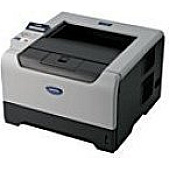
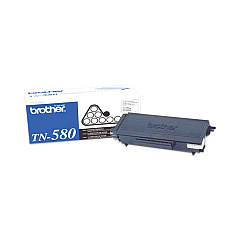
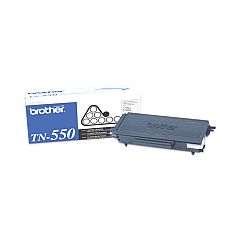
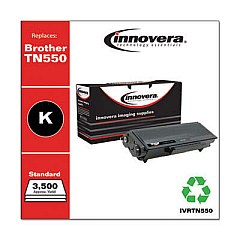
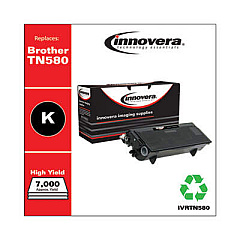
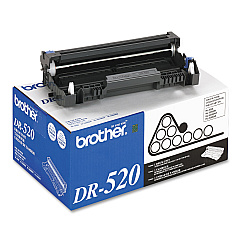
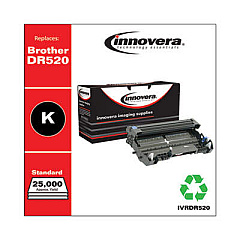
Ensure optimal performance for your Brother HL-5280DW printer with our high-quality Brother HL-5280DW Toner Cartridges. Our selection includes the essential Brother DR520 Drum Unit, which guarantees crisp and clear prints for up to 25,000 pages. For everyday printing needs, choose the Brother TN550 Black Toner Cartridge, offering a yield of 3,500 pages. For high-volume printing environments, the Brother TN580 Black Toner Cartridge is ideal, delivering an impressive 7,000-page yield. These genuine Brother supplies are designed to work seamlessly with your HL-5280DW printer, providing consistent, professional-quality output for all your business, educational, or healthcare documentation needs. By using authentic Brother toner cartridges, you'll maximize your printer's lifespan and minimize potential issues, ensuring uninterrupted productivity in your office or organization.

Brother HL-5280DW Toner Cartridges FAQs

  • What is the page yield of the Brother TN550 toner cartridge?

    The Brother TN550 Black Toner Cartridge has a yield of approximately 3,500 pages.

  • How many pages can the Brother TN580 toner cartridge print?

    The Brother TN580 Black Toner Cartridge can print approximately 7,000 pages.

  • What is the lifespan of the Brother DR520 Drum Unit?

    The Brother DR520 Drum Unit has a lifespan of up to 25,000 pages.

  • Are these toner cartridges compatible with other Brother printer models?

    These cartridges are specifically designed for the Brother HL-5280DW printer. Please check your printer's manual for compatibility with other models.

  • How do I know when it's time to replace the drum unit?

    Your printer will display a 'Replace Drum' message when it's time to change the drum unit.

  • Can I use third-party toner cartridges in my Brother HL-5280DW printer?

    While third-party cartridges may work, using genuine Brother toner cartridges ensures the best print quality and prevents potential damage to your printer.

  • How do I install a new toner cartridge in my Brother HL-5280DW printer?

    Open the front cover, remove the old cartridge, unpack the new one, and insert it until it clicks into place. Then close the front cover.

  • What's the difference between the TN550 and TN580 toner cartridges?

    The main difference is the page yield. The TN580 is a high-yield cartridge that prints about 7,000 pages, while the TN550 prints about 3,500 pages.

  • How should I store unused toner cartridges?

    Store unused cartridges in their original packaging in a cool, dry place away from direct sunlight.

  • Are these toner cartridges recyclable?

    Yes, Brother offers a recycling program for used toner cartridges. Check their website for details on how to participate.

Warehouse Locations

Policy & Agreement | Copyright © 1995-2026 BlueDogInk.com
