









Ads

Brother HL-5170DNLT Black Toner Cartridges

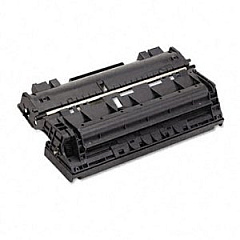
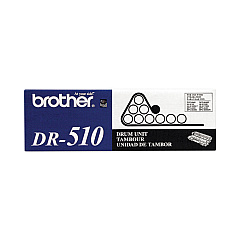
Brother HL-5170DNLT Drum Units

Brother HL-5170DNLT Copy Paper

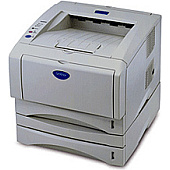
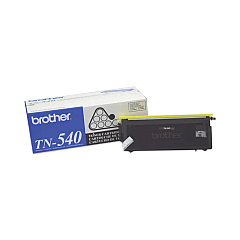
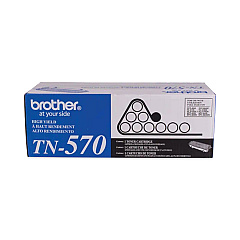
Ensure uninterrupted printing with high-quality Brother HL-5170DNLT Toner Cartridges. These reliable supplies are designed to deliver crisp, professional-grade output for your business, educational institution, government office, healthcare facility, or wholesale operation. The Brother DR510 Drum Unit guarantees long-lasting performance, while the Brother TN540 and TN570 Black Toner Cartridges offer versatile options for your printing needs. The TN540 is perfect for standard printing tasks, while the higher-yield TN570 is ideal for high-volume printing environments. These genuine Brother supplies are engineered to work seamlessly with your HL-5170DNLT printer, ensuring consistent print quality and optimal performance. By choosing authentic Brother toner cartridges, you'll maximize your printer's efficiency, minimize downtime, and produce professional documents that make a lasting impression. Invest in Brother HL-5170DNLT Toner Cartridges for reliable, high-quality printing that meets the demands of your organization.

Brother HL-5170DNLT Toner Cartridges FAQs

  • What is the page yield for the Brother TN540 toner cartridge?

    The Brother TN540 toner cartridge has an approximate page yield of 3,500 pages at 5% coverage.

  • What is the page yield for the Brother TN570 toner cartridge?

    The Brother TN570 toner cartridge has an approximate page yield of 6,700 pages at 5% coverage.

  • How often should I replace the Brother DR510 drum unit?

    The Brother DR510 drum unit typically needs replacement after approximately 20,000 pages, depending on usage.

  • Are these toner cartridges compatible with other Brother printer models?

    While these cartridges are designed for the HL-5170DNLT, they may be compatible with other Brother models. Check your printer's manual or the Brother website for compatibility information.

  • Can I use third-party toner cartridges in my Brother HL-5170DNLT printer?

    While third-party cartridges may work, using genuine Brother toner cartridges ensures optimal print quality and prevents potential damage to your printer.

  • How do I install a new toner cartridge in my Brother HL-5170DNLT printer?

    To install a new toner cartridge, open the front cover, remove the old cartridge, unpack the new one, and insert it until it clicks into place. Then close the front cover.

  • What's the difference between the TN540 and TN570 toner cartridges?

    The main difference is the page yield. The TN570 is a high-yield cartridge that prints approximately 6,700 pages, while the TN540 prints about 3,500 pages.

  • How can I extend the life of my toner cartridge?

    To extend toner life, use draft mode for non-critical prints, print in grayscale when possible, and ensure your printer firmware is up to date.

  • Are these toner cartridges environmentally friendly?

    Brother offers a recycling program for used toner cartridges, helping to reduce environmental impact. Check the Brother website for details on their recycling initiatives.

  • What should I do if I experience print quality issues with my new toner cartridge?

    If you experience print quality issues, try removing and reinserting the cartridge, cleaning the corona wire, or running a print quality test page. If problems persist, contact Brother customer support.

Warehouse Locations

Policy & Agreement | Copyright © 1995-2026 BlueDogInk.com
