




Ads

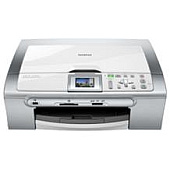
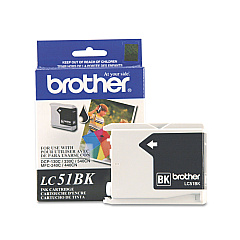
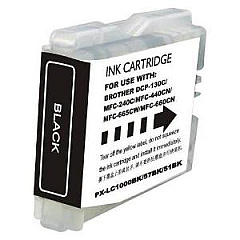
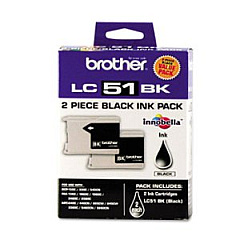
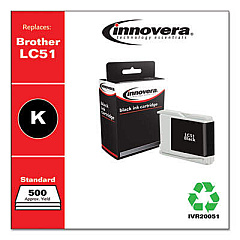
Brother DCP-350C Black Ink Cartridges

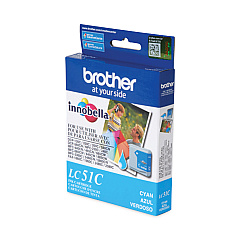
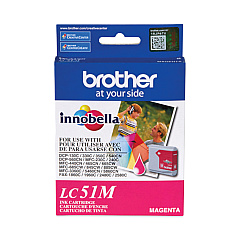
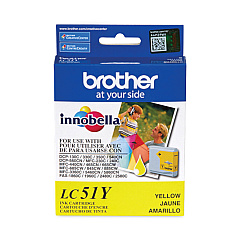
Brother DCP-350C Color Ink Cartridges

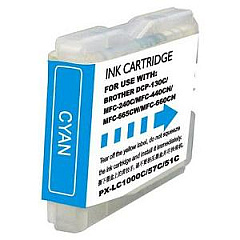
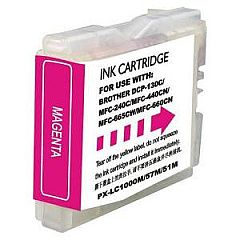
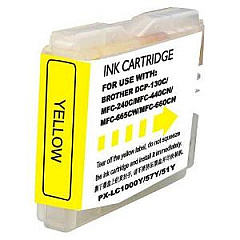
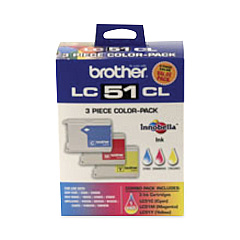
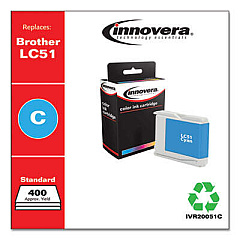
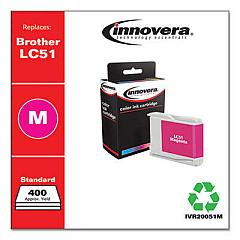
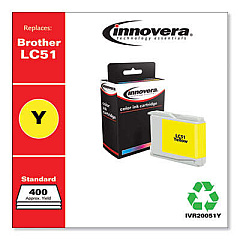
Ensure top-quality prints with genuine Brother DCP-350C Ink Cartridges. These reliable cartridges are designed specifically for the Brother DCP-350C printer, delivering crisp text and vibrant colors. Choose from a variety of options, including the cost-effective LC512PKS Black Ink Cartridge Twin Pack and the convenient LC513PKS Color Ink Cartridge Multipack. For individual color replacements, select from LC51BK (Black), LC51C (Cyan), LC51M (Magenta), and LC51Y (Yellow) cartridges. These high-performance inks provide excellent page yields and resist fading, ensuring your documents and photos look professional for years to come. Whether you're printing business reports, school projects, or family photos, Brother DCP-350C Ink Cartridges offer the perfect balance of quality and affordability. Trust in Brother's reputation for reliability and keep your printer running smoothly with these genuine ink cartridges.

Brother DCP-350C Ink Cartridges FAQs

  • How long do Brother DCP-350C ink cartridges last?

    The lifespan of ink cartridges varies depending on usage, but typically they last for 300-500 pages for black and 400-600 pages for color cartridges.

  • Can I use third-party ink cartridges in my Brother DCP-350C printer?

    While third-party cartridges may work, using genuine Brother cartridges ensures optimal print quality and prevents potential damage to your printer.

  • How do I install new ink cartridges in my Brother DCP-350C?

    Open the ink cartridge cover, remove the old cartridge, insert the new one until it clicks, and close the cover. The printer will automatically recognize the new cartridge.

  • What's the difference between the LC512PKS and individual LC51BK cartridges?

    The LC512PKS is a twin pack of black ink cartridges, offering better value for high-volume printing, while the LC51BK is a single black cartridge.

  • Are Brother DCP-350C ink cartridges refillable?

    Brother does not recommend refilling cartridges as it may affect print quality and potentially damage the printer. It's best to use new, genuine cartridges.

  • How do I know when it's time to replace my ink cartridges?

    Your printer will display a low ink warning on its LCD screen. You can also check ink levels through the printer software on your computer.

  • Can I use LC51 series cartridges in other Brother printer models?

    LC51 series cartridges are compatible with several Brother printer models, but always check your printer's manual or Brother's website for specific compatibility information.

  • What should I do if my printer doesn't recognize a new ink cartridge?

    Try removing and reinserting the cartridge, ensuring it's properly seated. If the issue persists, clean the cartridge contacts and try again.

  • How should I store unused ink cartridges?

    Store cartridges in a cool, dry place away from direct sunlight. Keep them in their original packaging until ready for use to prevent drying out.

  • Is it necessary to replace all color cartridges at once?

    No, you can replace individual color cartridges as needed. However, for optimal color balance, consider replacing all colors if they're low.

Warehouse Locations

Policy & Agreement | Copyright © 1995-2026 BlueDogInk.com
