






Ads

Xerox Phaser 8560N Black Ink Cartridges

Xerox Phaser 8560N Color Ink Cartridges

Xerox Phaser 8560N Ink Set

Xerox Phaser 8560N Waste Toner Kits

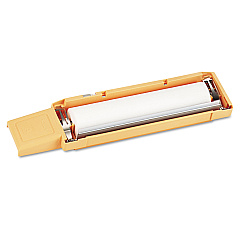
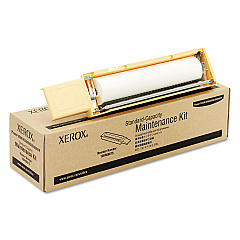
Xerox Phaser 8560N Maintenance Kits

Xerox Phaser 8560N Copy Paper

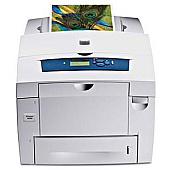
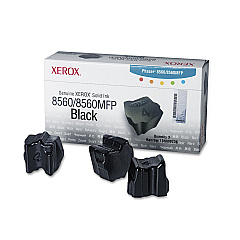
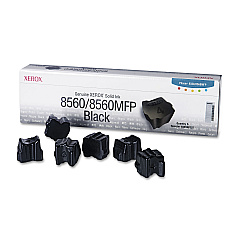
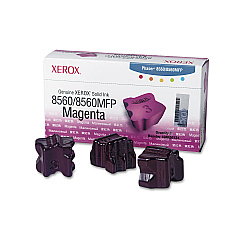
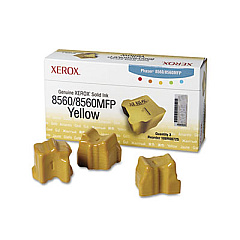
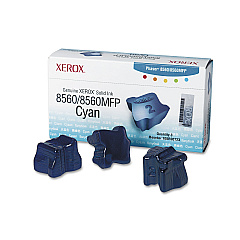
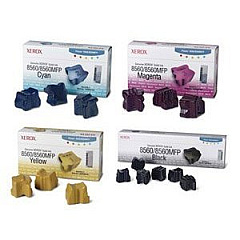
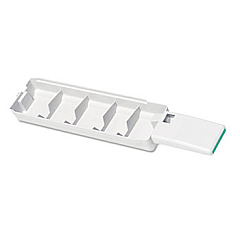
Enhance your printing experience with genuine Xerox Phaser 8560N Ink Cartridges. These high-quality supplies ensure optimal performance and vibrant output for your Xerox Phaser 8560N printer. Choose from a range of options including maintenance kits, solid ink sticks in cyan, magenta, yellow, and black, as well as waste trays. The Xerox 108R00723, 108R00724, 108R00725, and 108R00726 solid ink sticks deliver rich, consistent colors, while the 108R00727 black ink provides crisp text and sharp images. For convenience, consider the Xerox 8560 Solid Ink Bundle, which includes multiple ink sticks. Regular maintenance with the 108R00675 and 108R00676 kits keeps your printer running smoothly. Don't forget to replace the 109R00754 waste tray when needed. Trust these genuine Xerox supplies to maximize your printer's potential and produce professional-quality documents every time.

Xerox Phaser 8560N Toner Cartridges FAQs

  • How long do Xerox Phaser 8560N ink cartridges last?

    The lifespan of ink cartridges varies depending on usage, but typically they can print several thousand pages before needing replacement.

  • Are these ink cartridges compatible with other Xerox printers?

    These cartridges are specifically designed for the Xerox Phaser 8560N. Always check your printer's compatibility before purchasing ink.

  • What's the difference between the 108R00726 and 108R00727 black ink sticks?

    The 108R00726 is a standard capacity black ink stick, while the 108R00727 is a high-capacity version, offering more prints per stick.

  • How often should I replace the maintenance kit?

    Maintenance kit replacement frequency depends on usage. Typically, it's recommended to replace it every 30,000 to 60,000 prints or as indicated by your printer.

  • Can I use third-party ink cartridges in my Xerox Phaser 8560N?

    While third-party options exist, using genuine Xerox supplies ensures optimal print quality and prevents potential damage to your printer.

  • What's included in the Xerox 8560 Solid Ink Bundle?

    The bundle typically includes multiple solid ink sticks of various colors, offering a cost-effective option for high-volume printing.

  • How do I know when to replace the waste tray?

    Your printer will display a message when the waste tray is full and needs replacement. It's important to replace it promptly to avoid print quality issues.

  • Are these solid ink sticks environmentally friendly?

    Yes, Xerox solid ink technology produces less waste compared to traditional toner cartridges, making it a more eco-friendly option.

  • Can I recycle used Xerox Phaser 8560N ink cartridges?

    Yes, Xerox offers a recycling program for used cartridges and supplies. Check their website for details on how to participate.

  • How should I store unused ink sticks?

    Store unused ink sticks in a cool, dry place away from direct sunlight. Keep them in their original packaging until ready for use to maintain quality.

Warehouse Locations

Policy & Agreement | Copyright © 1995-2026 BlueDogInk.com
